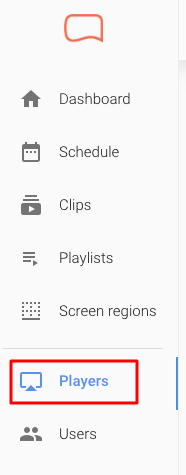
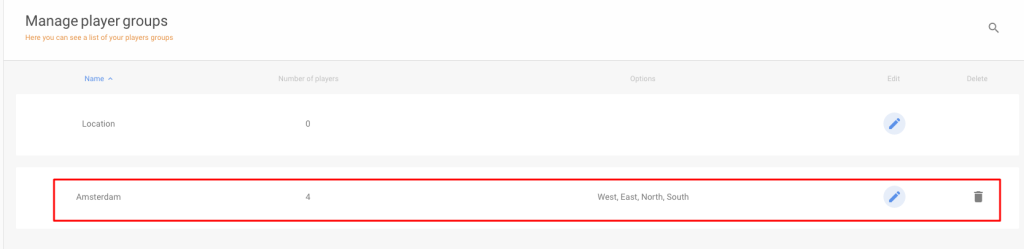
To add a new group, click Create New Player Group in the top-right corner.*
*You will now be taken to a page where you can enter the group details.
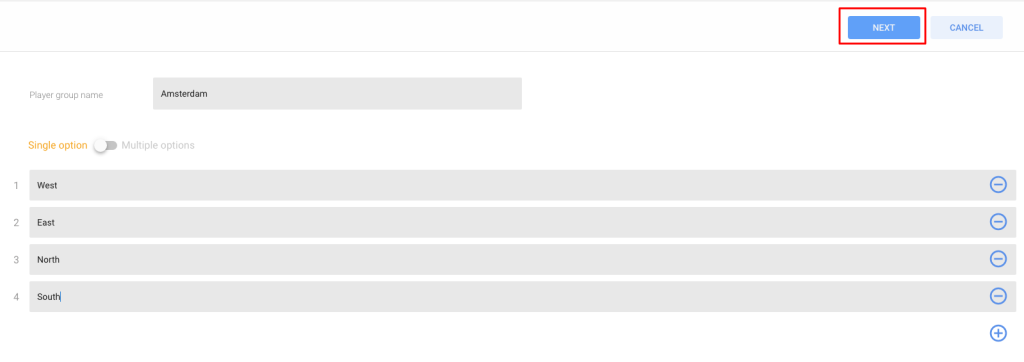
- Choose a name for your player group. Use the toggle to activate Single Option if a media player can only be linked to one player group option, or Multiple Options if a media player can be linked to multiple player group options.
- Add options using the plus icon on the right. You can remove options using the minus icon.
When you are finished, click Next: