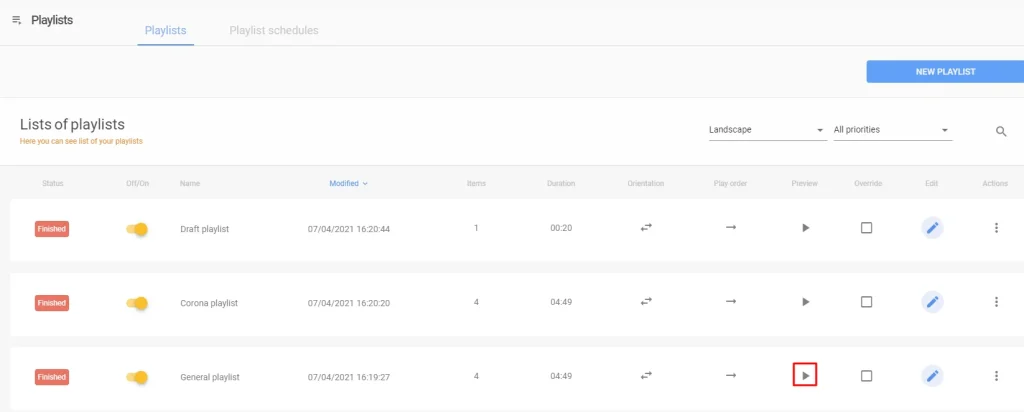
If you want to preview an playlist, the first step is to go to the playlists section by clicking on the left area of the screen on playlists.
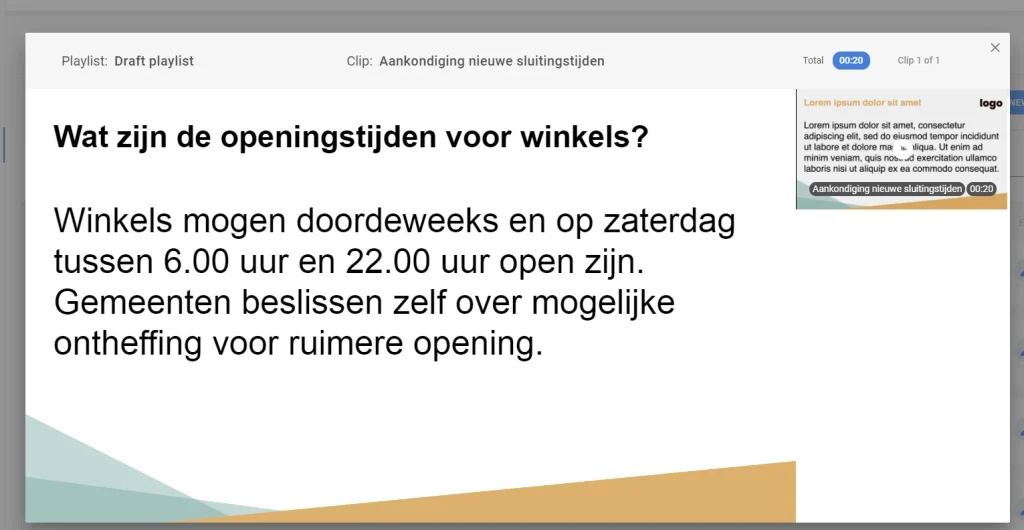
A list will pop up with all your playlists in it. Go to the row of the playlist you want to preview and click on the preview button: